Sales:
(716) 989-3716
Service:
(716) 288-5425
Parts:
(716) 586-3509
Open Today Sales: 9 AM-5 PM


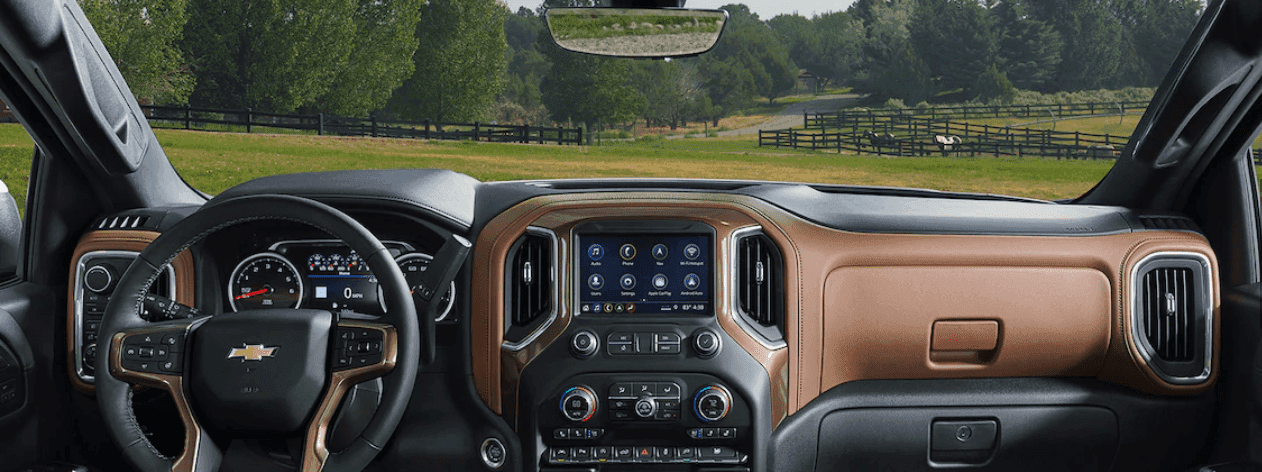
Updating the Chevy MyLink software in your new Chevrolet model is easy and painless. This popular entertainment system gives Buffalo driver and beyond plenty of benefits when cruising through Cheektowaga. Find out more about the benefits of Chevy MyLink and how to update it below!
All you have to do is turn on the vehicle, and the Chevy MyLink software should automatically update. While most Lancaster Chevrolet drivers won’t have an issue, if the system isn’t automatically updating, you might need to bring your Chevy into your local Chevy service center. Our technicians can take a look and identify the issue in your Chevy MyLink system. Schedule an appointment today and you’ll be back on the road in no time with a working system.
Chevy MyLink works with both Apple CarPlay™ and Android Auto™ to allow app access from the in-car touchscreen. That’s just part of what makes this system beneficial to your Lancaster commutes. Along with the benefits of easy updates and smartphone compatibility, you’ll find plenty of entertainment and convenience features including:
Chevy MyLink also offers parents extra reassurance that their teen drivers are making the right choices when behind the wheel. These teen driver safety features include:
Whether you are interested in finding a vehicle with MyLink or need help with your software, you will find what you need at Joe Basil Chevrolet. Browse our inventory for the new Chevy you’ve been looking for no matter whether the white Equinox or a used Chevy Equinox, learn more about our models by researching the Chevy Equinox gas mileage, comparing the Chevy Silverado vs. GMC Sierra, and more, then take a look at our new vehicle specials to help you save on a model with Chevy MyLink. Have any questions in the meantime, want to learn how to program the Chevy garage door opener, what an alternator does, how to program a Chevy key fob, or need to bring your Chevy by our Depew service center for help with your current software? Contact Joe Basil Chevrolet to schedule an appointment.